
Arrange. Then join.
Import screenshots in order, remove adjacent overlaps automatically, and rearrange the parts.
LongScreen · Capture the whole story
Screenshots, recordings, web pages. Put every part in order, fine-tune the joins, then save or share the whole picture.
For iPhone and iPad · No account required
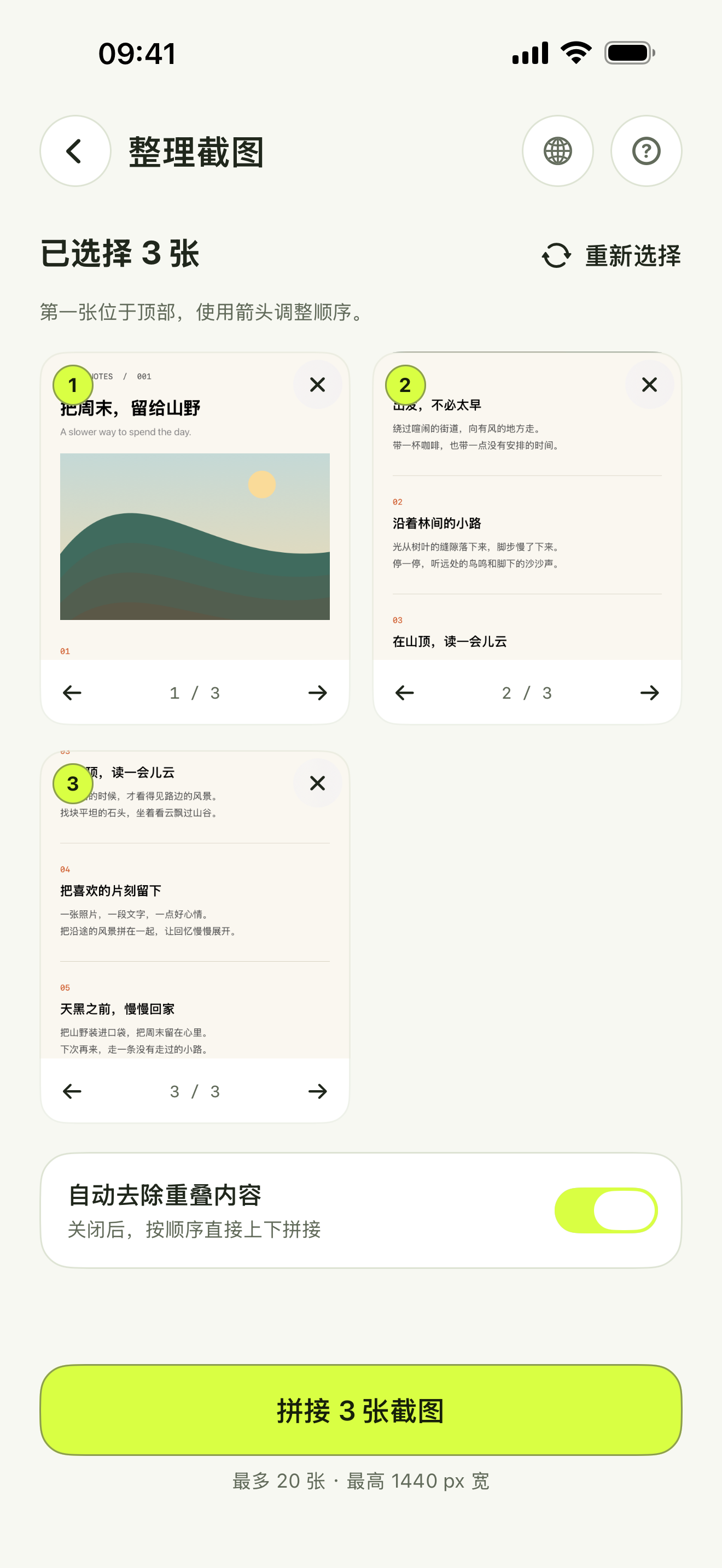
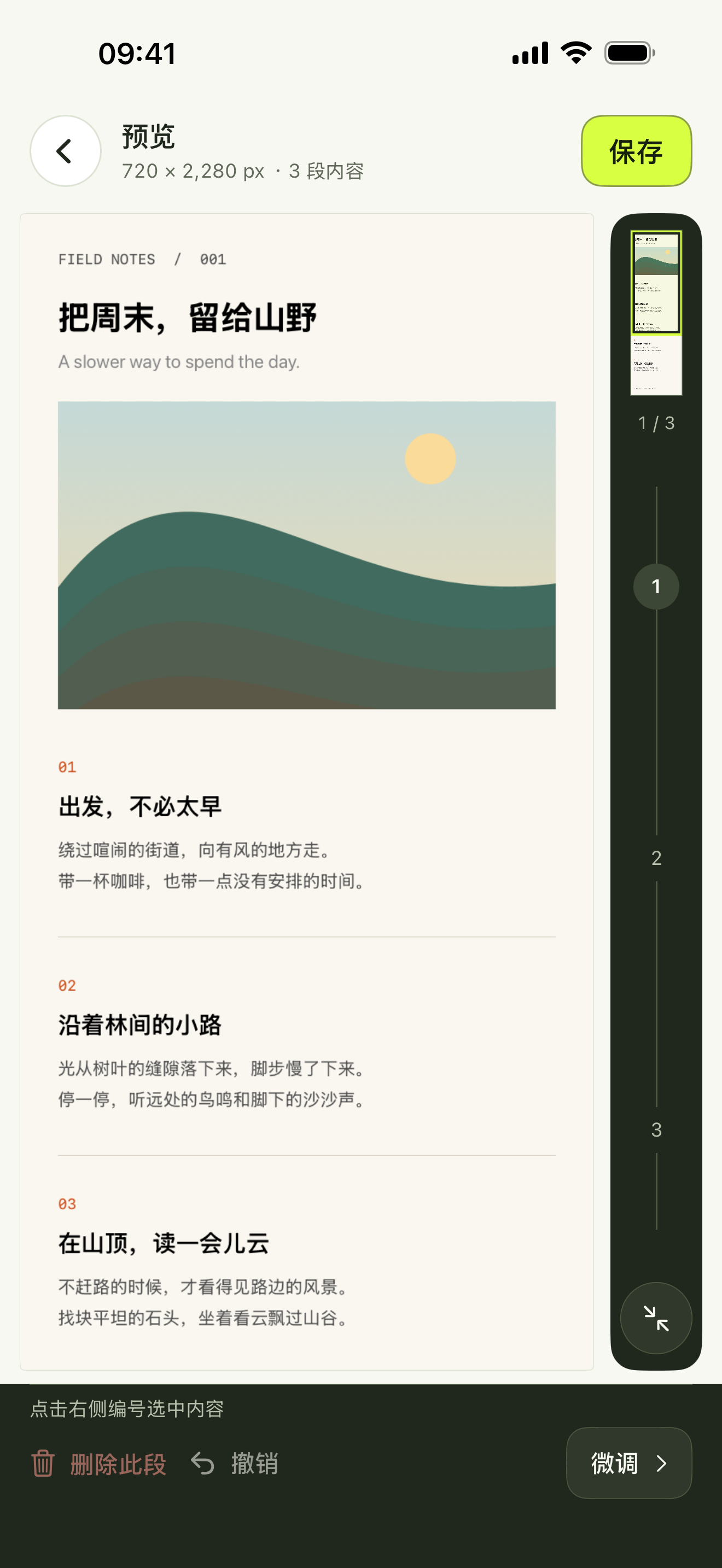
Import screenshots in order, remove adjacent overlaps automatically, and rearrange the parts.
Navigate by segment, zoom in, and adjust each seam one pixel at a time.
Save images to Photos or use the system share sheet to export PNG, JPEG and paginated PDF.
Get started or understand how your data is handled.